Blog
Free AI Invoice Generator for Freelancers
Create professional invoices in minutes with AI — no spreadsheets, no design skills, and no paid tools required to get started.

Why freelancers need faster invoicing
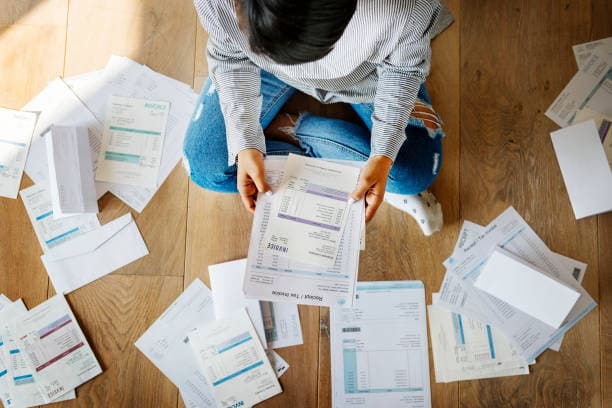
When you finish a project, the next step should be simple: send a clear invoice and get paid. Many freelancers still build invoices in Word or Excel, which takes time and often looks inconsistent from one client to the next.
An AI invoice generator helps you describe the work in plain language and turns it into a structured invoice — client details, line items, totals, and a clean PDF you can send right away.
How AI Invoice Generator helps
Open the free editor on AI Invoice Generator, then use the green AI Invoice Assistant. Describe your job in one sentence — for example, “Website redesign for Ahmed, 3 pages, $400, due in 7 days.”
Review the filled form, adjust anything you need, then Save or Save & Send. You can also download a PDF for your records.
Tips for getting paid faster
Always include your payment terms and due date. Keep line items specific so clients understand exactly what they are paying for.
Send the invoice the same day you deliver the work. Follow up politely if payment is late — a professional invoice makes that conversation easier.
Try it free
You can start on the homepage without a long setup. Sign up when you want to save documents to your account and manage clients over time.
Create your next invoice here: open the home editor and tap AI Invoice Assistant.
Ready to create your invoice?
Use the free AI Invoice Assistant on the homepage — generate, review, then download or send.
Open invoice editor