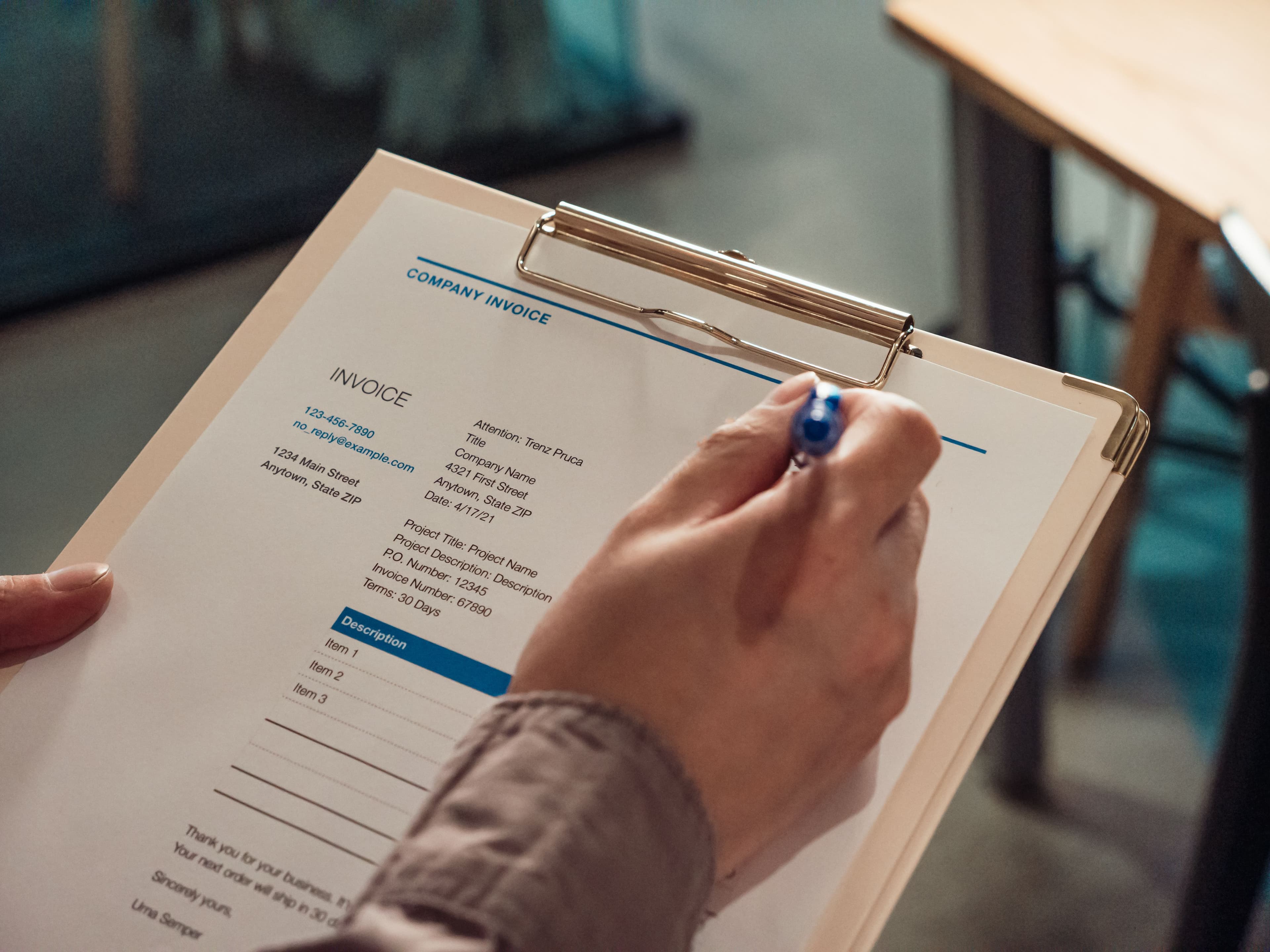
Blog
Invoice tips that actually help.
Practical guides on AI invoicing, quotes, PDFs, customers, and getting paid — built around everything inside AI Invoice Generator.
Featured
Start here — most useful for new users.
 Freelancers5 min
Free AI Invoice Generator for Freelancers
Create professional invoices in minutes with AI — no spreadsheets, no design skills, and no paid tools required to get started.
Read more → How-to4 min
How to Create an Invoice with AI in 1 Minute
A short step-by-step walkthrough: describe your work, generate the invoice, review, and send — all on AI Invoice Generator.
Read more → Documents6 min
Invoice vs Quote vs Credit Note — Which Document to Send
Know when to send a quote, when to invoice, and when a credit note fixes the books — plus how each template works in our editor.
Read more →
All articles
10 posts covering the product and invoicing basics.
- Freelancers·Aug 11, 2026·5 min
Free AI Invoice Generator for Freelancers
Create professional invoices in minutes with AI — no spreadsheets, no design skills, and no paid tools required to get started.
- How-to·Aug 10, 2026·4 min
How to Create an Invoice with AI in 1 Minute
A short step-by-step walkthrough: describe your work, generate the invoice, review, and send — all on AI Invoice Generator.
- Documents·Aug 9, 2026·6 min
Invoice vs Quote vs Credit Note — Which Document to Send
Know when to send a quote, when to invoice, and when a credit note fixes the books — plus how each template works in our editor.
 Product·Aug 8, 2026·4 min
Save, Email, and Download Your Invoice PDF
How to keep invoices in Documents, email clients with Save & Send, and download a clean PDF for your records.
 Customers·Aug 7, 2026·4 min
Manage Customers for Faster Billing
Reuse client names, emails, and addresses so every new invoice starts half-filled — less typing, fewer typos.
 Cash flow·Aug 6, 2026·5 min
Payment Terms That Actually Get You Paid
Net 15, due on receipt, deposits — clear terms reduce late payments. Put them on every invoice you send.
 Documents·Aug 5, 2026·4 min
Purchase Orders for Small Businesses
When a client or vendor needs a PO before work starts — and how our purchase order template keeps approvals tidy.
 Learning·Aug 4, 2026·3 min
Learn Invoicing with Our Guides (and This Blog)
Deep courses in Guides plus quick tips here on the blog — everything from invoice statuses to getting paid faster.
 Product·Aug 3, 2026·4 min
Settings: Branding and Invoice Defaults
Set your business name, logo-ready details, and defaults once — every new invoice starts looking like your brand.
 Support·Aug 2, 2026·3 min
Need Help? Use Built-in Support Chat
Ask the AI helper common questions, or talk to a human — right from the green support widget on the site.
Ready to invoice with AI?
Describe the job in one sentence. Generate the invoice. Review, download PDF, or email your client — free to start.